
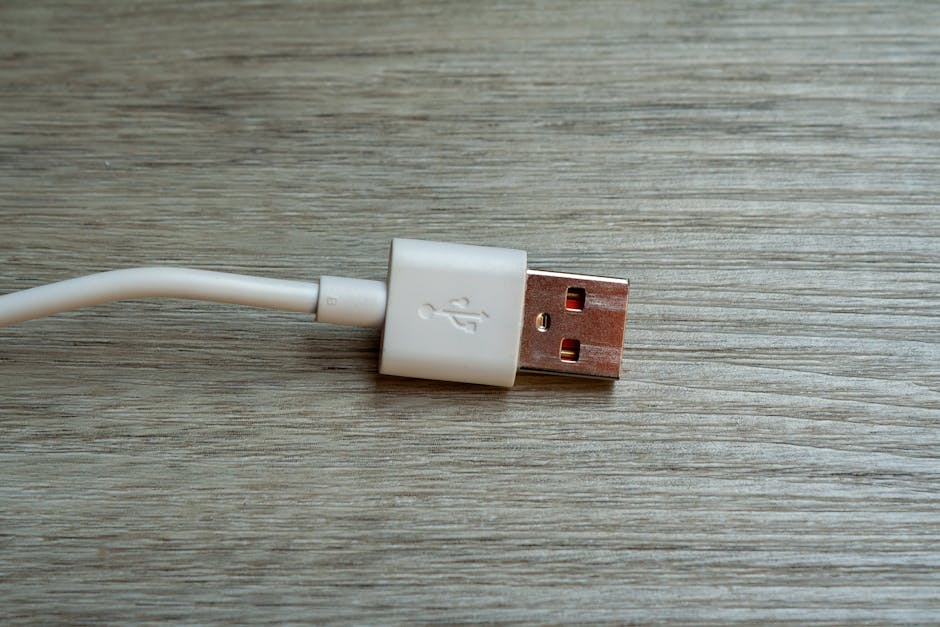
You updated iOS overnight, woke up, plugged in the same cable you've used for two years, and the iPhone 13 is dead. Or it charges to 1% and stalls. Or it shows the lightning bolt but never moves. This is a common combination of symptoms, and the cause is almost never the iOS update itself.
What's actually happening
Three things tend to be true at the same time after a major iOS update, and people confuse cause and effect.
One — the update finished by running the battery low. Major iOS installs spike CPU and radio activity. A battery that was already at 80% capacity (normal for a four-year-old iPhone 13) can hand off to "0%" much faster than you expect on update day. The phone isn't broken; it's just lower than usual when you wake up.
Two — the Lightning port has accumulated lint. Pocket lint compresses into the Lightning port over years and only matters once it's deep enough to keep the connector from seating fully. The day this finally crosses the threshold is statistically random — but you'll notice it on the day something else made you plug in (the battery being low after an update, for example), and blame the update.
Three — the cable or brick is genuinely failing. Lightning cables fray internally near the strain relief; USB-A and USB-C bricks lose contact in the port. Both fail gradually. Like the lint, you notice on the day something else makes you pay attention.
The actual hardware-failure cases — a damaged port that needs replacement, a battery that has finally crossed the no-boot threshold, a logic-board fault — are real, but they're maybe one in five "won't charge" tickets we see on the iPhone 13. The other four are the three above.
Quick checks before bringing it in
Run these in order. Each takes 30 to 60 seconds.
-
Force restart. Press volume up, then volume down, then hold the side button until the Apple logo appears (about 10 seconds in). This clears software state including the charging-detection flag the update may have left in a stale position.
-
Try a different cable AND a different brick. Not just one or the other — both. The charging chain has three failure points (cable, brick, port) and you're testing each. A neighbor's MacBook charger or a different USB-C wall adapter is fine.
-
Inspect and gently clean the Lightning port. Bright light, look straight in. If you see lint or fuzz, use a wooden toothpick (NOT metal — the pins inside are soft) to gently lift it out. Do not jab. Do not use compressed air — it can push debris deeper.
-
Try a wireless charger if you have one. If wireless charging works fine but Lightning doesn't, the issue is almost certainly the port or the cable, not the battery or the logic board.
-
Plug in and wait 15 minutes without touching it. A deeply discharged battery sometimes won't show the charge indicator immediately. If it boots after a longer wait, the battery is the suspect, not the port.
If steps 1 through 5 didn't fix it, the issue is genuine hardware and worth a 45-minute visit.
When to bring it in
Bring it in if:
- Wireless charging works but Lightning doesn't (port replacement, typically about 45 minutes — see the live quote on the iPhone 13 repair page for the current price).
- A different cable on a different brick still won't charge (cable + brick are ruled out — port or battery).
- The phone won't even respond to a force restart with a charger plugged in (battery is suspect).
- The Lightning port wiggles, feels loose, or shows visible damage to the pins.
Don't bring it in for:
- "It charges slower than it used to." That's the battery aging — expected on a four-year-old device. A battery health check is worth it (free at our shop) but not urgent.
- "The cable disconnects if I move the phone." Try a different cable first. Lightning cables fail at the strain reliefs and look fine until you replace them.
If the diagnosis turns out to be the battery rather than the port, we'll quote that separately before opening the device. Battery and port replacements share an opening procedure but use different parts and pricing.
Why iOS updates get blamed for things they didn't cause
Apple ships major iOS updates in September. A four-year-old iPhone 13 is exactly in the window where battery health drops below the threshold where minor things start mattering — a stale port-detection flag, a marginal cable, a small amount of lint. The update is the trigger that exposes the underlying condition; it's not the underlying condition itself.
This is good news, because it means the fix is almost always cheap and fast. Three of the most common diagnoses — software state, lint, cable — cost nothing. The fourth — port replacement — is one of our quickest in-shop repairs.
Walk in any time during business hours; no appointment needed for a charging diagnostic. We'll tell you which of the four it is in about 10 minutes and quote before opening anything.